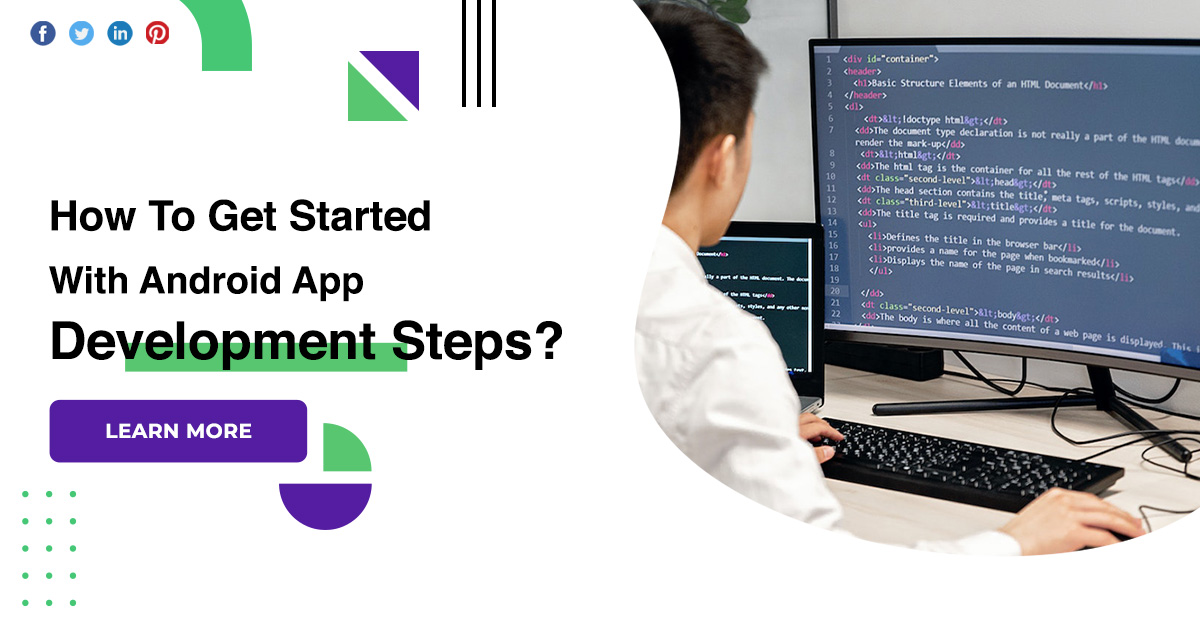
How To Get Started With Android App Development Steps?
Getting started with Android app development is not an easy task, especially if you don’t have any programming experience. As daunting as it might seem, it can be done. All it takes is a lot of motivation, dedication and willingness to learn. If you’re contemplating getting into Android app development, then you should know you’ll be in good company.
Android app development steps
Learn a programming language
- It obviously goes without saying that to be an Android developer, you’ll need to learn a programming language.
- Here you have two options, namely Java or Kotlin. Choosing between these two programming languages is probably the most important decision you’ll make in this process.
- You should give it some serious thought. Our advice is this: if you’re a Java programmer who wants to start developing Android apps, then go with Kotlin.
Get to know android for developers
- If you’re a total beginner when it comes to Android, don’t worry: there are a myriad of resources available online to help you familiarize yourself with this software.
- The first step is to head over to the official Android Developer website. Get to know the software and tools you’ll be working with.
- Here you’ll find all the resources and information you need to get started with Android app development.
- Browse the training courses and quality guidelines to in-depth developer guides.
Download the tools of the trade
- To be able to learn and test out your skills, you’ll need to download and install a few crucial programs.
- This is the official integrated development environment for the Android operating system, and it replaces Eclipse as the primary IDE for native Android app development.
Get some practical training
- Learning to navigate and use Android Studio and all its features might seem overwhelming, especially if you’re also new to programming.
- The good news is that theAndroid Developer website is chock-full of training and learning resources.
- If you head over to the Developer Guides section of the website, you’ll gain access to a plethora of documentation and guidelines to get you started.
Learn to navigate the files and folders
- The most important file is MainActivity.java or MainActivity.kt, depending on the programming language you’re using.
- You’ll also have a layout file dubbed activity_main.xml, which is used to define the way that your app will look like by letting you add buttons, text, widgets, and more.
- Every time you start a new activity in Android Studio, you’ll require either a Java or Kotlin file and a corresponding XML file, so that’s what you need to remember.
Get coding
- You’re now familiar with the files, folders and features in Android Studio.
- And you have a basic grasp of your chosen programming language. It’s time to start writing some code.
- This is probably the most exciting step on your journey towards becoming an Android app developer, and it allows you to put everything you’ve learned so far to the test.
Join the Android community
- Last but not least, we highly recommend that you take advantage of the wide community of Android app developers.
- Subscribe to official newsletters and outlets, join forums and groups, and try as much as you can to stay up to date with the latest updates, features and developments in the Android world.
Conclusion
As a fully-rounded mobile app development company, we’ve worked on various Android and iOS mobile apps over the years. Below you’ll find what we think are the 7 most important steps to follow when getting started with Android app development.











 Minnesota (HQ)
 Canada
 Australia
 India
India