How To Make Android App Development Easy?
Android is an operating system and programming platform developed by Google for mobile phones and other mobile devices such as tablets. It can run on many different devices from many different manufacturers. Android includes a software development kit that helps you write original code and build software modules to build apps for Android users. Android also provides a marketplace for app distribution. Android represents an ecosystem for mobile applications. The developers chose to develop for Android to appeal to the majority of mobile users.
Android app development easy
Start developing android applications
- The Android Software Development Kit is the primary tool that developers use to develop an application.
- In addition to Android Studio use other environments to develop Android apps.
- If other components are available on system and have the Android SDK, Android Studio download them automatically Java is the standard programming language for Android application development.
- The Android SDK tools compile code along with all data and resources into an APK file with. This file contains everything needed to install the app on Android device.
Android app for phones and tablets
- There are plenty of smartphones and tablets available on the market which are running on Android.
- designing a separate design for every model is not an easy task to do. Instead either develop a responsive design or come up with mockups for the most popular smartphones.
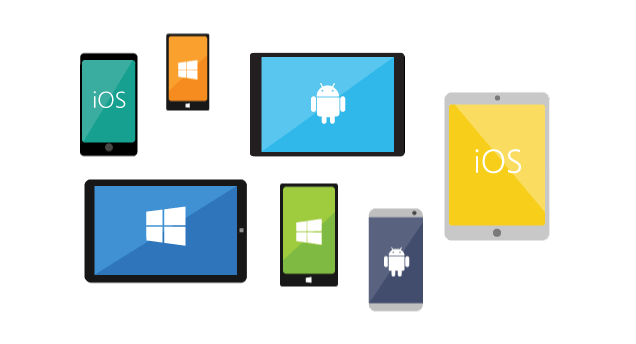
- Develop a Hybrid App for Android and iOS.
Cross-platform apps are faster and easier to make.
- A Hybrid app means a compromise the technical requirements of the platforms. This means an adoption to different screens.
- A Hybrid app never work as well as a native app.
- A cross platform app seamlessly the components are programmed separately for iOS and Android and coupled in one system.
- The development costs of a Hybrid app would be lesser than for separate apps.
How to develop an app for beginners
-
Learn a programming language
planning to develop an Android app have choices to learn programming languages JavaScript or Kotlin. We talk about JavaScript, it has been in the market for longer and plenty of libraries and frameworks. On the other hand Kotlin is a new one but might overtake it in the future.
-
Install and setup android studio
If you are aware of coding have to download the Android Studio for Android development. It is the most popular IDE today.
-
Create a new project
Open the Android Studio and create a new project. The code editor will help you create better code, work faster, and be more productive. It has code completion, refactoring and code analysis tools as well.
-
Start coding
By coding are creating the functionality of the app. During the backend stage manage the interchange of data between the end users and server side or a cloud solution.
-
Look for the layouts
App unclear and not user friendly. The last step will be to unite the backed and the front end of app to create a finished project.
Conclusion
We hope the above information developing first Android app with Android app development services. We’re a leading android app development company in helping unleash the latest android technology for customers to solve the toughest business problems.












 Minnesota (HQ)
 Canada
 Australia
 India
India