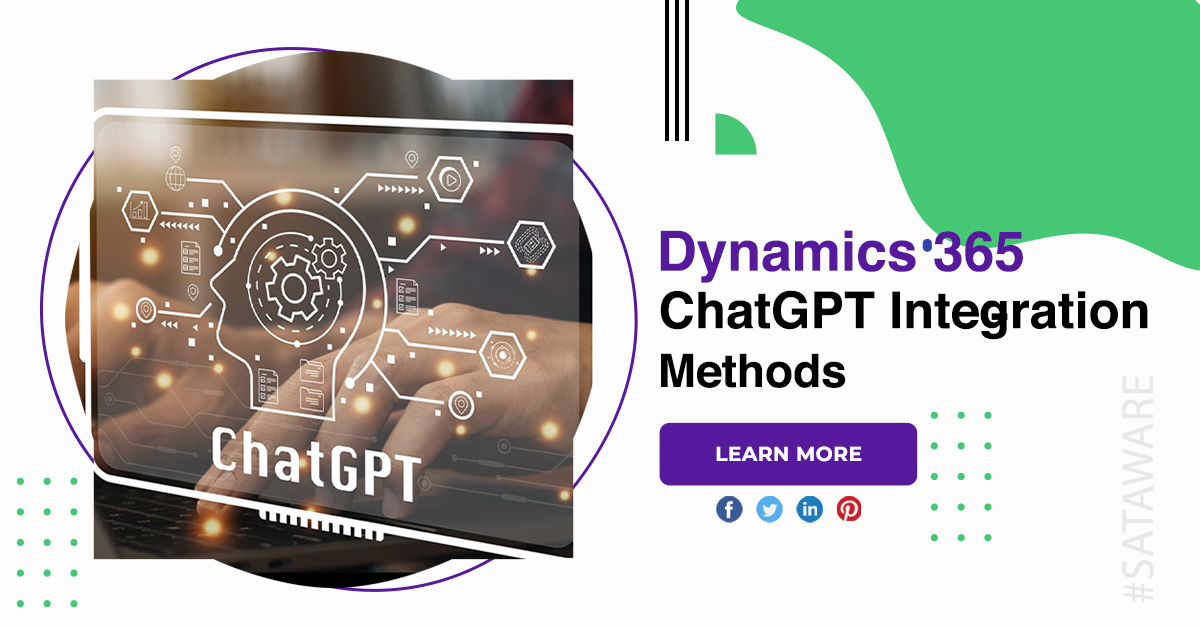
Dynamics 365 ChatGPT Integration Methods
Dynamics 365 ChatGPT Integration is rapidly increasing. Companies want faster decision-making, smarter automation, and enhanced customer engagement capabilities that AI systems like ChatGPT deliver exceptionally well. When integrated with Dynamics 365, ChatGPT amplifies productivity by connecting conversational intelligence with CRM, ERP, and business workflows. This guide explores the most effective methods to integrate ChatGPT with Dynamics 365 and offers insights on how each approach supports different operational needs.
Dynamics 365 ChatGPT Integration
Why integrate ChatGPT?
Intelligent customer support
ChatGPT can interpret queries, provide accurate responses, and reduce manual dependency on support teams. It also ensures consistent, personalized interactions across communication channels.

Faster sales operations
AI can assist sales representatives by generating summaries, drafting emails, identifying opportunities, and refining follow-up strategies based on CRM insights.

Streamlined internal workflows
From automating ticket creation to generating reports, ChatGPT enhances efficiency by handling repetitive tasks and offering actionable suggestions.
Enhanced data interpretation
Dynamics 365 contains critical business data; ChatGPT helps teams understand it easily by turning complex information into simple summaries.
ChatGPT integration methods
Integration Through Power Automate
Power Automate is one of the easiest and most flexible options. It enables organizations to create flows that send information from Dynamics 365 to ChatGPT and return AI-generated output to records.
How it works:
- Use HTTP connectors or custom connectors to call OpenAI’s API.
- Trigger flows from CRM events, forms, or records.
- Process the AI-generated content and update Dynamics 365 fields.
Best for:
- Companies wanting quick automation without major development efforts.

Custom API integration
Businesses with complex requirements often choose direct API integration. This method uses Azure Functions or custom web services to connect Dynamics 365 with ChatGPT via secure REST API calls.
Process overview:
- Build a backend service with Azure Functions, Node.js, or .NET.
- Authenticate using Azure AD and OpenAI credentials.
- Create requests that send Dynamics 365 data to ChatGPT.
- Deliver processed results back into the CRM.
Best for:
- Organizations needing advanced customization, multi-step workflows, or large-scale automation.

Azure logic apps integration
Azure Logic Apps offer robust enterprise-level workflows, ideal for high-volume operations.
Key capabilities:
- Easy integration with CRM, SharePoint, Outlook, SQL, and more.
- Scheduled or event-driven triggers.
- Scalable architecture for large datasets.
Best for:
- Large businesses that require strong reliability and minimal downtime.

Using power apps with embedded ChatGPT
Companies deploying custom business applications can integrate ChatGPT inside Power Apps to assist users with intelligent decision support.
Key capabilities:
- Automated form assistance.
- Real-time content suggestions.
- Predictive recommendations based on CRM data.
Best for:
- Teams building tailored apps for sales, field service, or customer support.

Virtual agents integration
Dynamics 365 Virtual Agents allow users to include ChatGPT responses in chatbots used for support and internal help desks.
Advantages:
- No-code configuration.
- Unified experience for customers.
- AI-driven responses improving user satisfaction.
Best for:
- Businesses offering 24/7 automated customer support.

Forms and dashboards
Developers can embed ChatGPT widgets or components directly into Dynamics 365 screens using JavaScript, React components, or custom controls.
Benefits:
- On-page AI suggestions.
- Instant content generation.
- Improved user experience for data entry.
Best for:
- Teams requiring AI assistance inside CRM pages without switching applications.
Best practices
Prioritize data security
Always use secure authentication methods and restrict data exposure to essential fields.

Clear prompt engineering
Well-structured prompts yield more accurate and reliable output from ChatGPT.
Monitor usage & performance
Use Azure Monitor or Application Insights to track API calls and system behavior.

Train teams to use AI responsibly
Encourage users to validate AI responses and maintain accuracy in business processes.
Conclusion
Adopting Dynamics 365 ChatGPT Integration unlocks powerful opportunities for automation, enhanced decision-making, and improved customer experiences. As AI continues to evolve, integrating ChatGPT with Dynamics 365 will remain a strategic move for organizations aiming to stay competitive, agile, and innovative.







 Minnesota (HQ)
 Canada
 Australia
 India
India